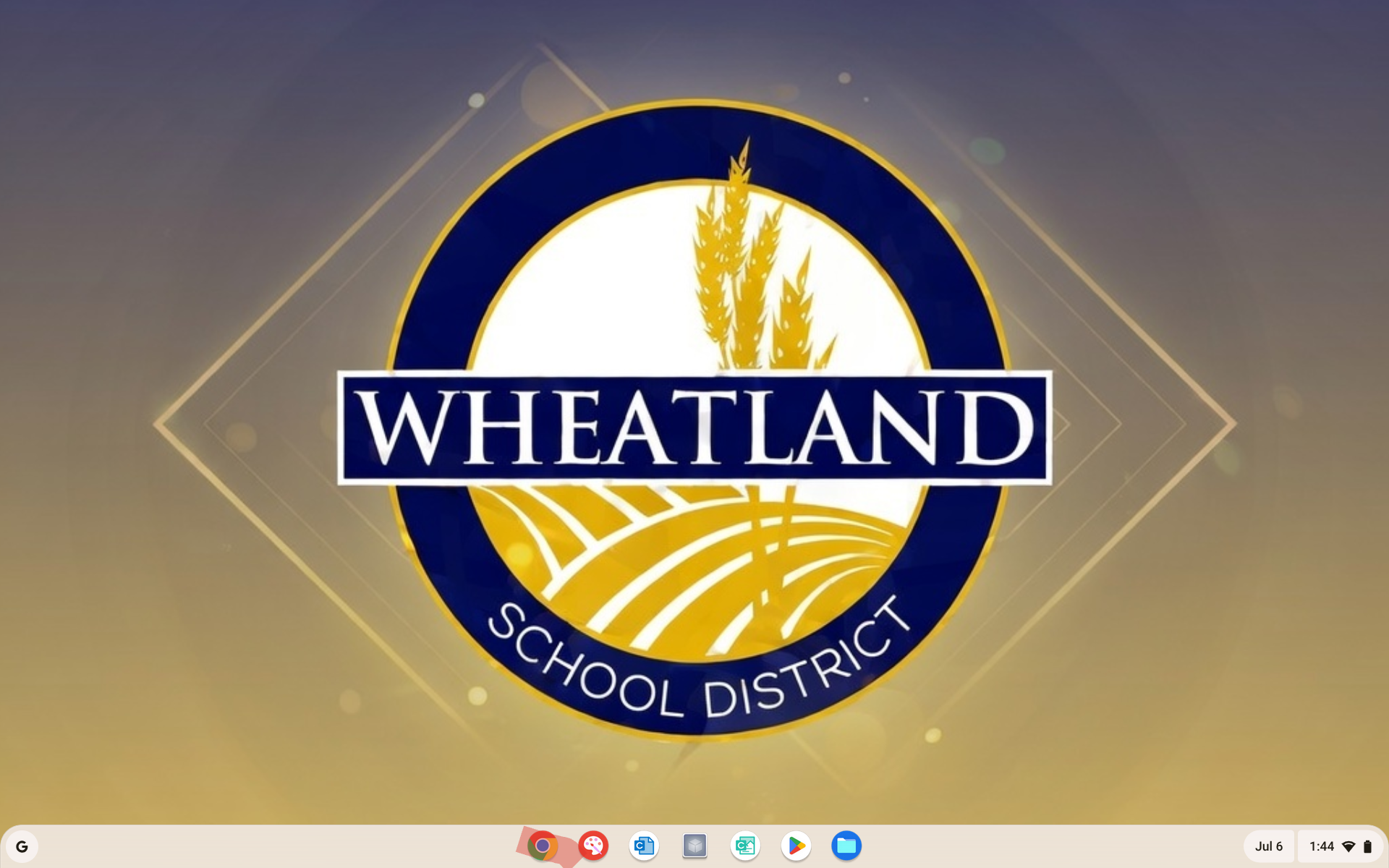
1. Clever is our "one stop shop" for all resources students would need to access digitally. When signed into your Chromebook navigate to google chrome:
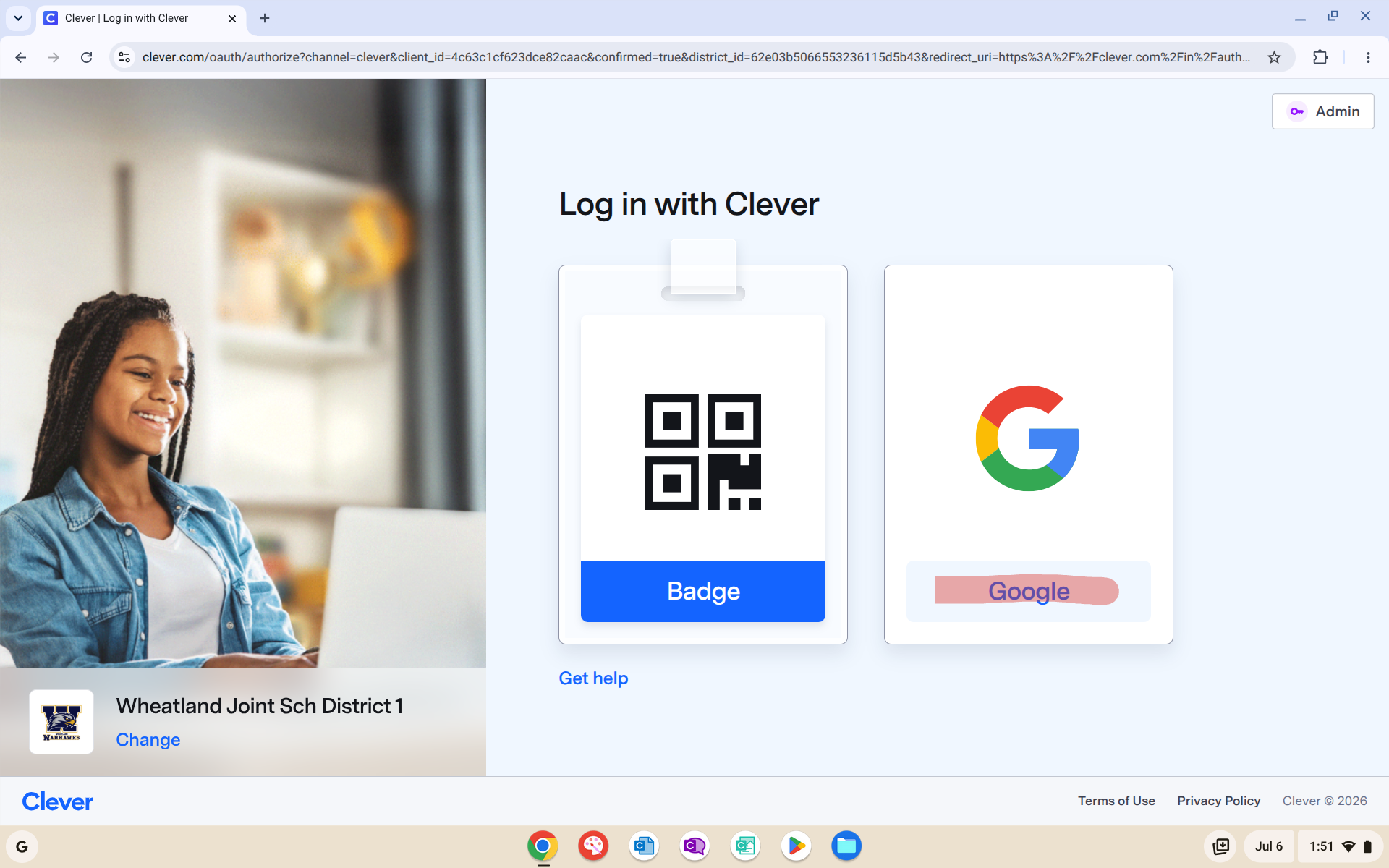
2. Chrome when first opened will bring you to the clever login page, When you see the image below select the google "tile" to sign in. (this should just log you in with no prompt for credentials since this is a Chrome device:
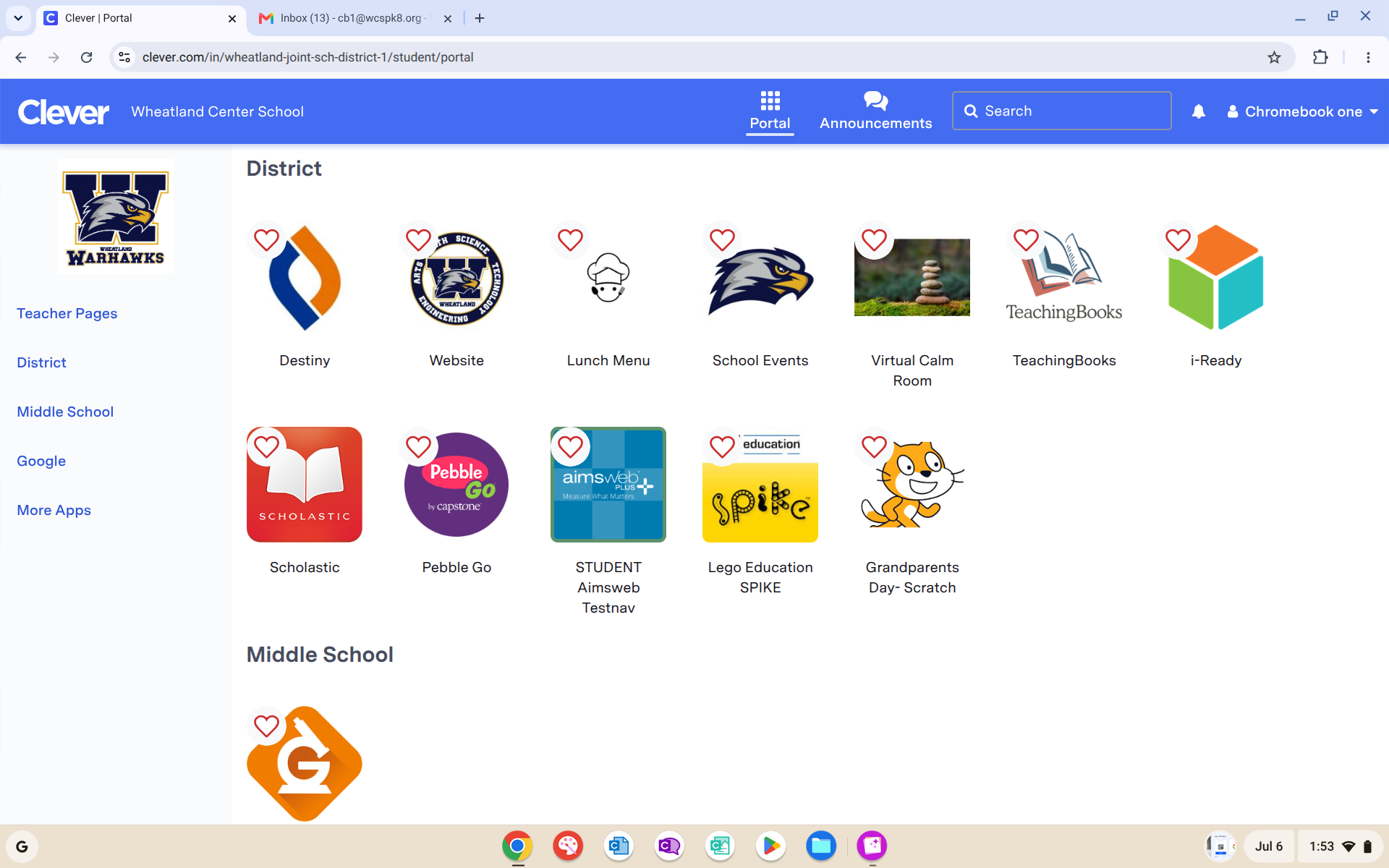
3. After Logging in with google you will see a page similar to this one depending if you are a SVA student or at the school building. This will have teacher pages which are resources shared with you by your teachers and resources dependent on your grade levels: