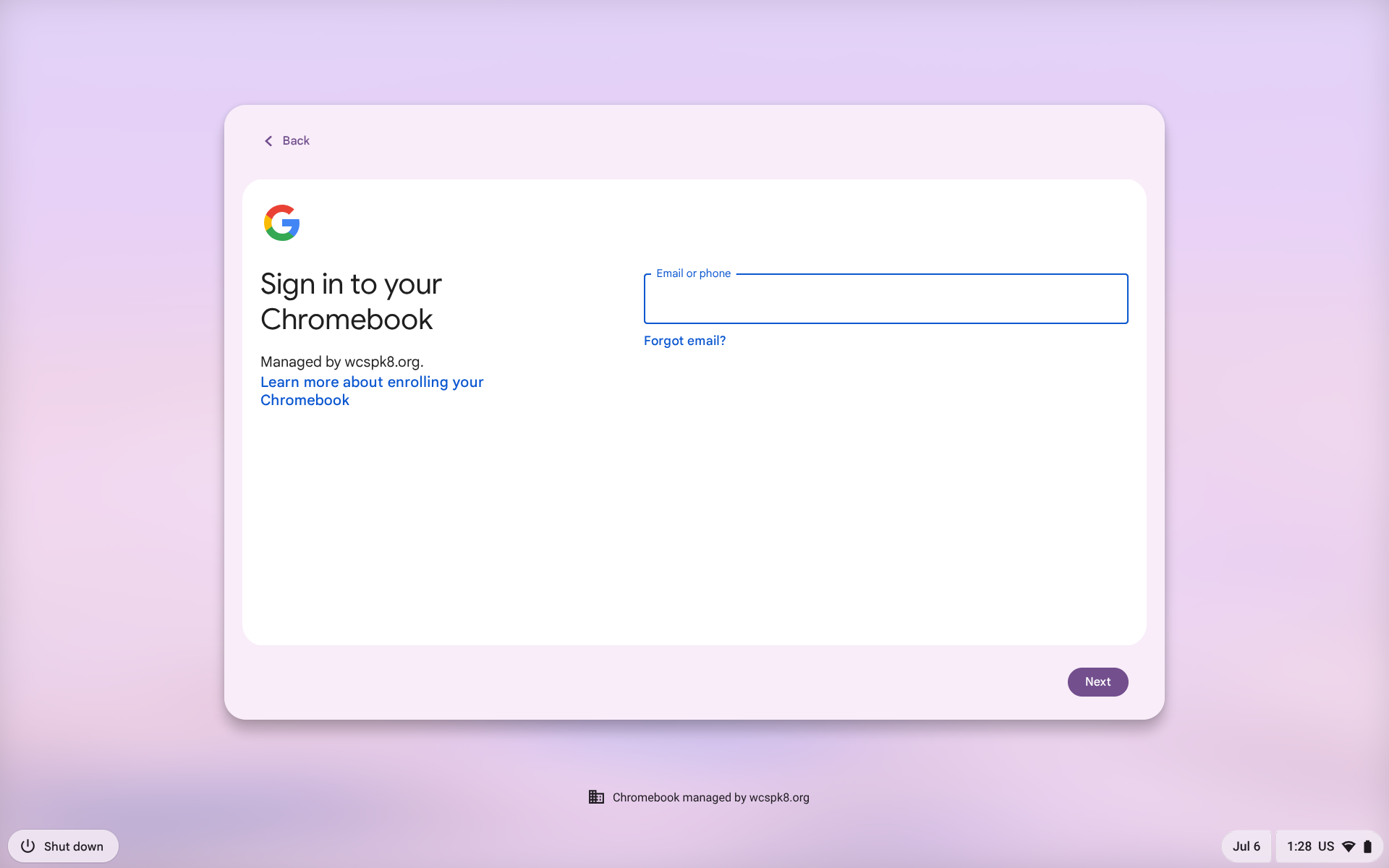
1. On the login screen please type in your provided email and password. Your login screen will look like:
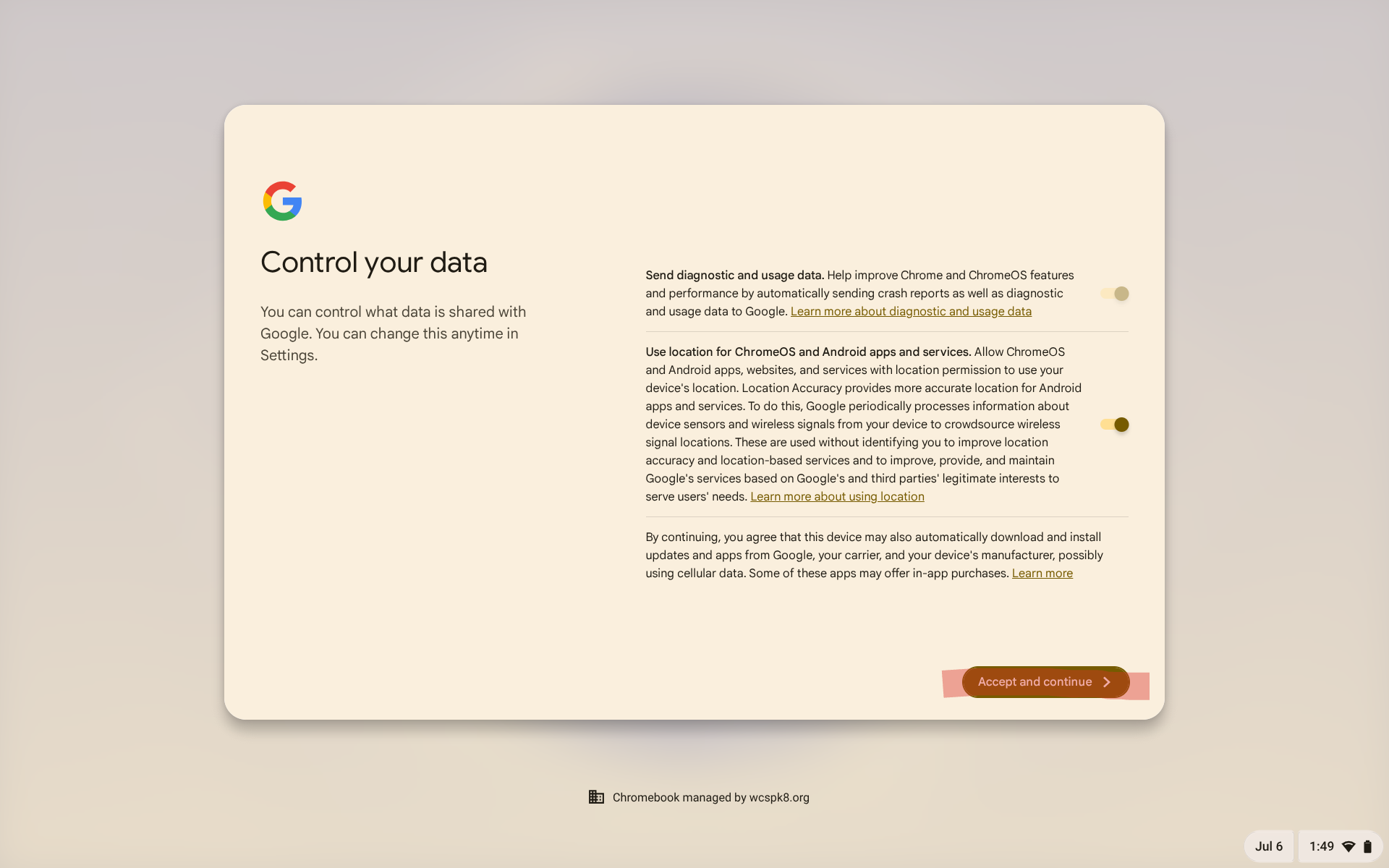
2.when logging in you will be shown a control your data screen, this is normal and should be left as is please click accept and continue. Image below:
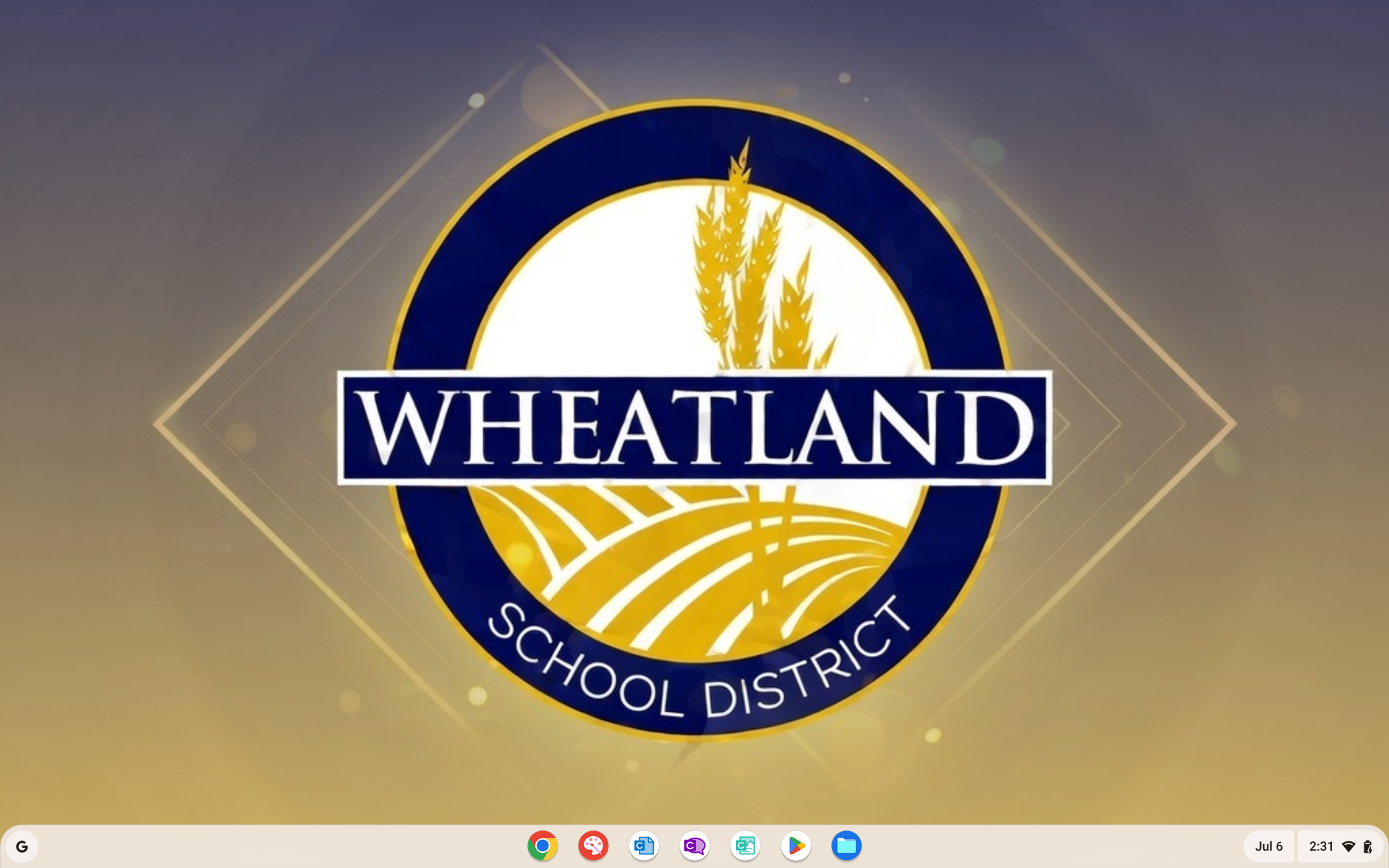
3. Once you have successfully logged in you will see our wheatland logo as the background image: